Got a problem? Not to worry! Help has arrived to Planet Earth.
UX design for digital interfaces ~ 2026


Test. Observe. Repeat.
Problems are only scary when you don’t understand them. My objective is to help you and your business through the power of design, and I can only do that after I have understood the problem we’re tackling and doing relevant user centered research about it.
I do UX design for apps and websites. Check out one of my latest works below!

Starbucks App / 2023 - Present at Tribal Worldwide
Redesigning the ritual
that powers your mornings
*Photo by USAMA AKRAM on Unsplash
Why?
Starbucks hired Tribal Worldwide GT to seek help with their app in El Salvador and Guatemala to reflect the Starbucks experience: complete personalization. I was the designated User Experience designer to work on their project.
Due to disclosure settlements I can’t go into detail with the findings, however the following is a general overview of the design process.

Interviewing stakeholders
I interviewed several stakeholders to better understand the business model and learn more about the brand overall. We talked about current challenges, how the platform at that time worked, goals, competitors, and future plans.

Benchmark & UX Audit
I was curious to see what others in the industry and our competitors were doing. Are they too facing some of our challenges? And if so, how are they tackling them?
I worked on a benchmark to make comparisons and see what they were up to.
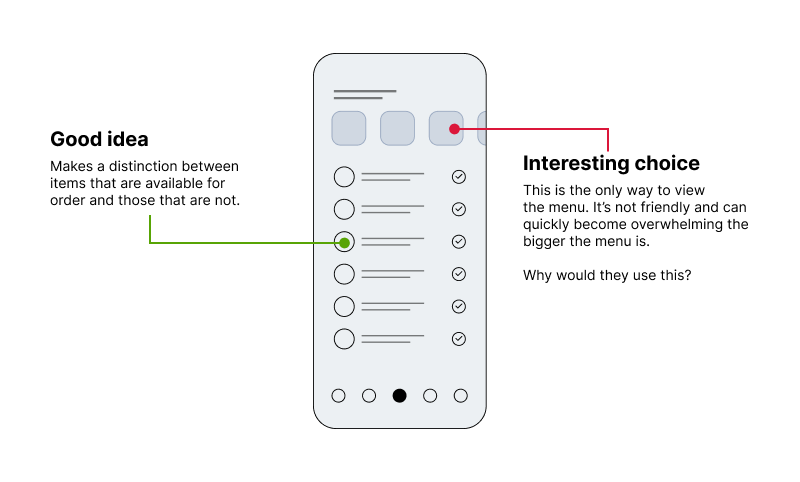
Example of a benchmark, seeing what we can learn from our competitors in screens or flows of particular interest.
I also worked on a UX audit for the Starbucks app at the time to test it for myself, see what it’s like to use it and also to keep an eye out for concerns mentioned during interviews.
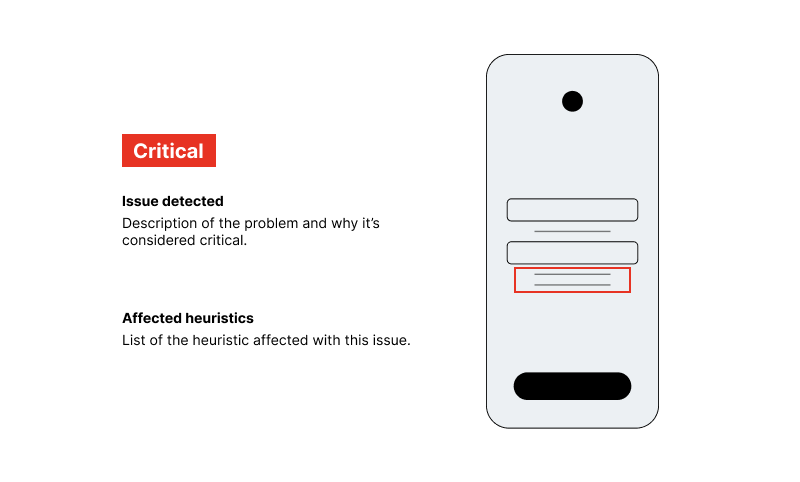
Example of a UX Audit, classifying findings according to severity in the user experience.

Mystery shopper
One of my favorite research methods! I wanted to live the experience for myself.
I visited a few Starbucks shops by myself, and other times with friends, to get an impression of the experience and how it connects to the app at the time and general findings during research so far.

Interviewing users
I interviewed users to better understand their motives and habits surrounding the consumption of coffee, and their relationship with the brand and its digital interfaces.
All my findings with users helped me map what’s important to them when they’re purchasing coffee and how they know it’s time to get coffee at all.
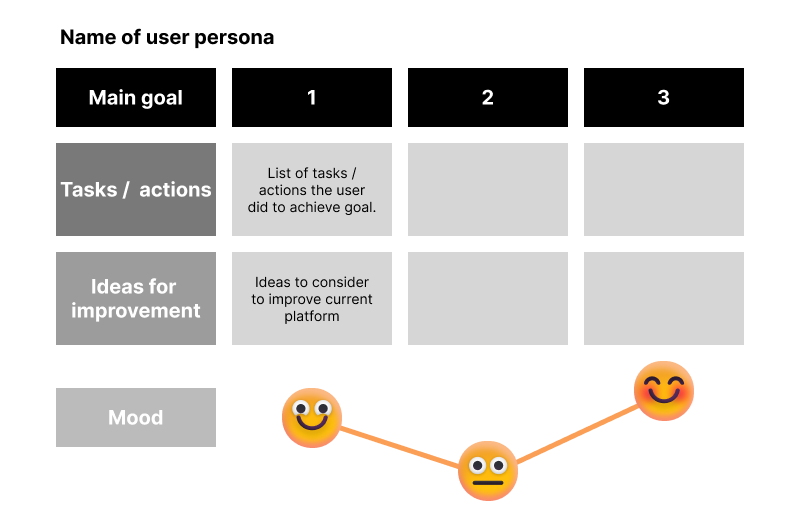
Example of a user persona. Personas can vary depending on what you are researching or tracking. It was interesting to see different “types” of people emerge and how they differ in mood depending on how their regular day goes and how coffee is involved.

Building foundations
With the valuable findings I had, I felt ready to build something meaningful, considering the needs and pain points of users and the business.
I built a prototype on Figma of the purchase flow to test with users. After the Starbucks team approved it, the usability testing began.

Usability testing
The usability testing allowed me to:
- Determine new and relevant findings on user’s needs and pain points at the moment of making a purchase.
- Find points of friction to be able to fix them.
- New findings that are relevant / worth considering for the final product.
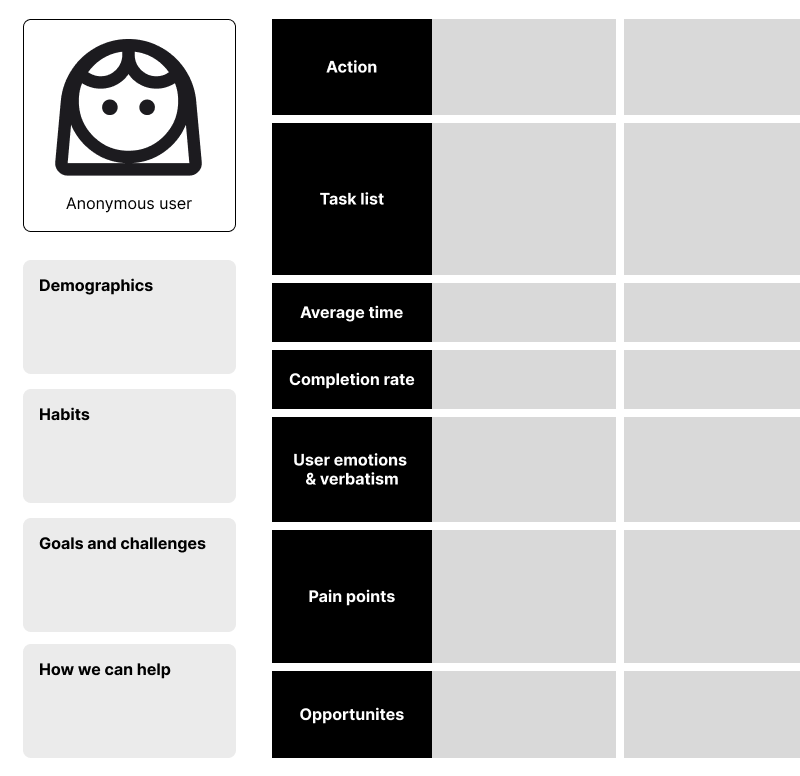
Example of a usability mapping. I mapped out each user testing and kept track of completion, obstacles and overall feelings or frustrations during the purchase exercise.

App design
The learnings from the usability testing showed us which points of friction we needed to improve in our current design. After that, we were ready to proceed to design the entirety of the app, and if needed, we can run another usability testing again for a specific flow.
We proceeded to work on a site map to review with the client, and started designing the app.

For the flows I felt the need to explore further, working on some wireframes is sometimes helpful.
Viewing this on mobile?
Double tap the video to view properly. Double tap again to close it/restart it.
Onboarding. Letting users know all the good things of using the Starbucks App.
Add to favorites. You can add your regulars to your favorites and quickly order them next time or simply reorder.
Seasonal! You can view the most trending beverages of the season in the home app and if you see one you like, quickly start your order.
Personalization. Easily order your beverage just the way you like it. With Starbucks Rewards, sometimes you can add an extra shot of coffee for free. Now you don’t have to lose track of whether you’ve already added the extra free shot or not.
Suggestive selling. Review your cart and all your personalization configuration for each item. With the suggestive selling, we can promote items that pair particularly well with the items in the cart.
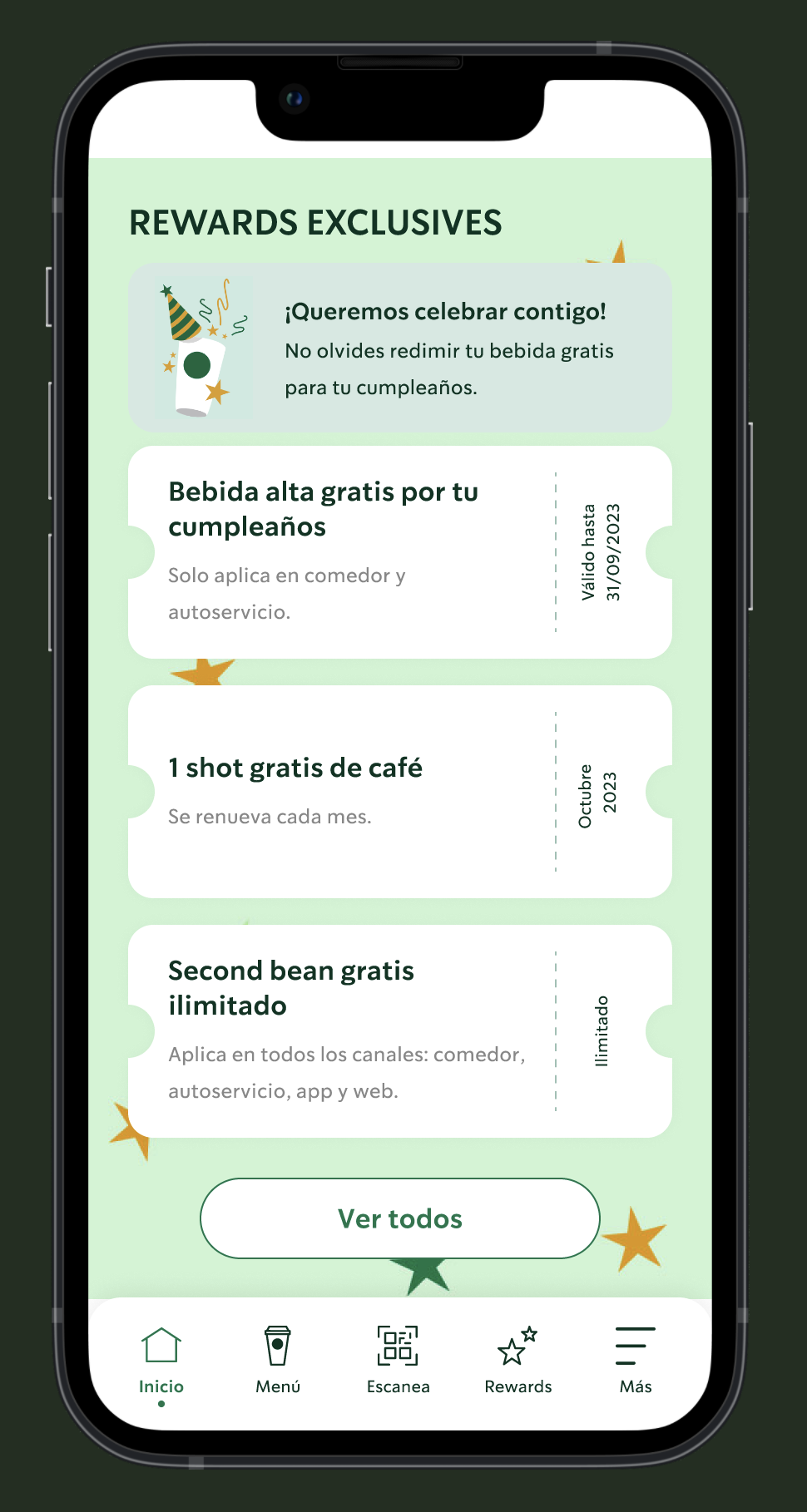
Happy birthday! [This one is not a video] Everyone deserves to feel special on their birthday, Starbucks Rewards remembers yours and shows you have a free beverage redeemable all throughout your birthday month.
Redeem rewards. Easily claim your reward of choice.
Your coffee, your space. Starbucks is all about personalization. You can customize your own avatar to match your style, your avatar will be there to greet you whenever you open the app.
Industries I’ve worked for at Tribal Worldwide

That's all folks!
That's all folks!

Wrap up
A product is never really finished, instead it’s meant to go through a repetitive cycle of constant improvement.
I am still working at Tribal Worldwide where Starbucks continues to be a client. We are hoping to pitch new and fresh ideas to work on.
Thank you for reading!
Feel free to contact me for any inquiries.
In the midst of chaos, there is research to be done.
Got a problem you think design can help with? Get in touch!